
Introduction to Strings
If you remember from Part 3, we looked at a set of basic data types like integers (int) and floats. These are our numerical data types used for math. Now, it is time to learn about Strings (str), which Python uses to handle text.
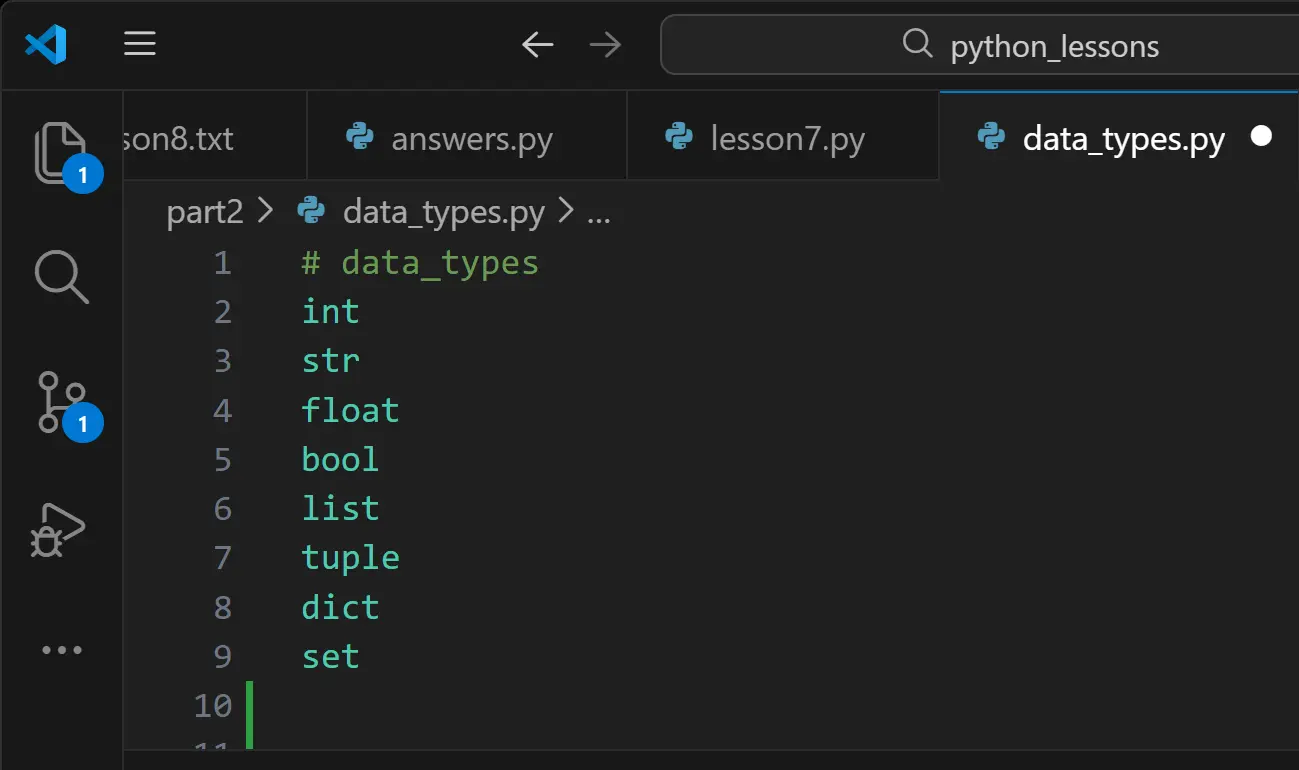
What is a String? A "string" is simply a sequence of characters wrapped in quotes. Think of it like a "string of pearls," where each pearl is a letter, number, or symbol. In Python, you can create a string using either single quotes (' ') or double quotes (" ").
name = "Flat Eric" # Double quotes
greeting = 'Yo'  # Single quotes
Why the Quotes?
The quotes tell Python: "Don't treat this like a variable or a command; treat it exactly as text."
- score = 10 → Python sees a number (Integer).
- score = "10" → Python sees a string (Text). "You cannot perform math with "10" because Python treats it like a word, not a value."
Not sure if something is a String?
If only there was a way to tell! Just kidding—we already know the trick. We can use the type() function to peek inside the "box" and see what Python thinks it is.
Time to experiment!
Try checking the type() of these different values in your terminal to see the results: "Warning: One of these will cause an error—now try to fix it!"
- 9 vs '9'
- Flat Eric
- "Flat Eric"
- True vs 'True'
"The interactive box automatically displays the result of your last line REPL (Read–Eval–Print Loop)—in a real script, you'd still need print(). "
Multi-line Strings
There is another way to work with strings in Python when you have a lot of text. We can use triple quotes (three single quotes ''' or three double quotes """) to create a "long string."
This allows you to write several lines of text, and when you print() the variable, Python will preserve all the line breaks exactly as you typed them.
Try this long string in the PyBox:
long_string = '''This is a
multi-line string
in Python!'''

print(long_string)

#   Can you make a simple arrow or a Christmas tree pattern using a long_string?
String Concatenation
Another interesting tool we can use with strings is concatenation. This is a professional term for "gluing" two or more strings together to create a new one.
Let's imagine we want to take a user's first name and last name and combine them into a single variable.
first_name = "John"
last_name = "Snow"

# Gluing them together
full_name = first_name + last_name

print(full_name)
The "Space" Trap
When you ran that code, you probably noticed the output was JohnSnow.
Python is very literal; it does exactly what you tell it to do. Since there was no space inside your variables, Python didn't add one for you. To fix this, you have to "glue" a space in the middle yourself: "The Challenge: Try adding a third variable for a middle name."
# Adding a literal space string in the middle
full_name = first_name + " " + last_name

print(full_name)