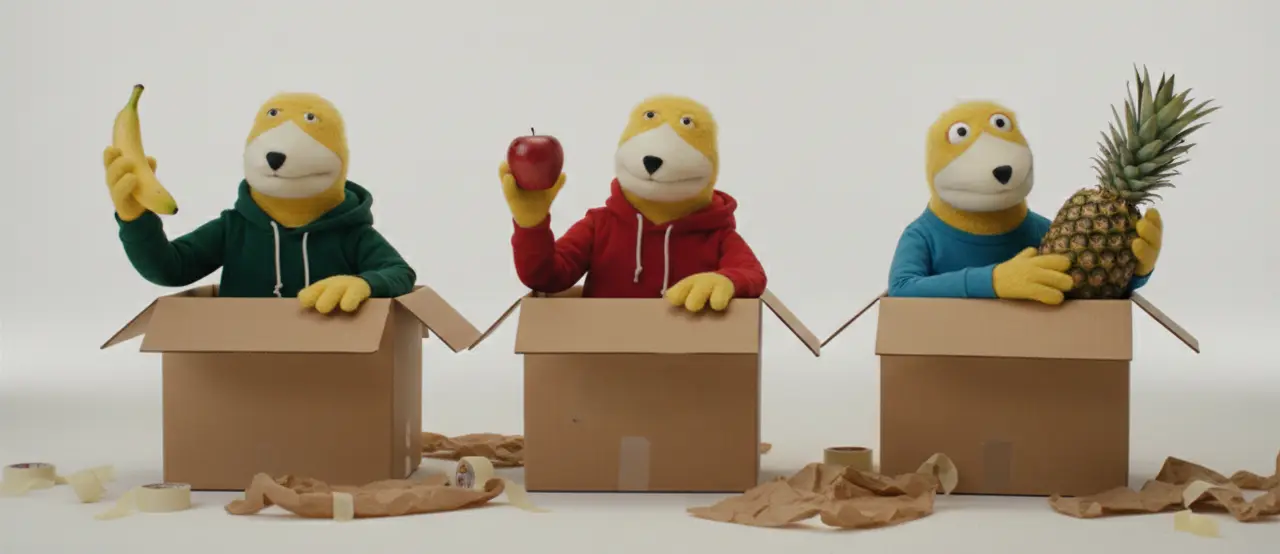
Introduction to Tuples
We’ve covered Lists (which are flexible and changeable) and Dictionaries (which map keys to values). Now, we meet the third major data structure: the Tuple.
What are Tuples?
A Tuple is a collection of items that is ordered, just like a list. However, there is one massive difference: Tuples are immutable.
- Immutable means "unchangeable."
- Once you create a tuple, you cannot add items, remove items, or change the order of the items.
- If a List is a "pencil-and-paper" checklist where you can erase and add things, a Tuple is a "stone tablet"—once it's carved, it stays that way.
Tuple Syntax
While lists use square brackets [], tuples use parentheses ().
- Print apple, banana and pineapple.
Membership and Methods
Even though you can't change a tuple, you can still interact with it. Just like with lists and dictionaries, you can use the in operator to check for membership:
- Check if banana, strawberry and pineapple are in fruits.
You can also use methods like .count() to see how many times an item appears, or .index() to find where an item is located.
The Trade-off: Safety vs. Flexibility
Using tuples is a strategic choice in programming:
- Safety:They make your code "safer" because you can guarantee that the data won't be modified by accident elsewhere in your program.
- Drawback (Less Flexible):Because they are locked, they are less flexible. If you realize mid-program that you need to add one more item to your collection, a tuple will not let you do it. You would have to create a brand-new tuple or convert it to a list first.
Time to experiment!
Coding Exercises (VS Code) Instructions:
- Create a file named tuples.py in your part32 folder.
- Complete the tasks and use # comments to explain your answers.
Exercise 1: Creating a Tuple
-
Task: Create a tuple named
dayscontaining "Monday", "Tuesday", and "Wednesday". -
Goal: Print the type of
daysusingtype()to confirm it is a tuple.
Exercise 2: The Immutability Crash
-
Task: Create a tuple
coords = (10, 20). Try to change 10 to 50 usingcoords[0] = 50. -
Goal: Observe the
TypeErrorand explain why it happened.
Exercise 3: Membership Check
-
Task: Create
my_tuple = ("apple", "orange", "grape"). -
Goal: Use the
inoperator to check if "apple" is in the tuple and print the result.
Exercise 4: Indexing Tuples
-
Task: Create a tuple
values = (100, 200, 300, 400). - Goal: Print the very last item in the tuple using a negative index.
Exercise 5: Finding the Position
-
Task: Create
letters = ("a", "b", "c", "d"). -
Goal: Use the
.index()method to find and print the position of "c".
.gif)
Don't Forget to commit and Push!