More Tuples
Since you’ve already mastered Lists, you’ll find that navigating Tuples feels like second nature. Because both structures are "ordered," Python treats them like a sequence of numbered slots. This means every trick you learned for grabbing specific items from a list works here too. The only real difference is the "Stone Tablet" rule: while you can look at, measure, or slice a tuple as much as you want, the original sequence is locked in place. Using a slice doesn't change the original; it just creates a smaller, separate snapshot for you to use.
Slicing in Action
Just like with lists, you use the colon : within square brackets to specify a range. It follows the standard pattern: [start:stop:step], where the start index is included, but the stop index is not.
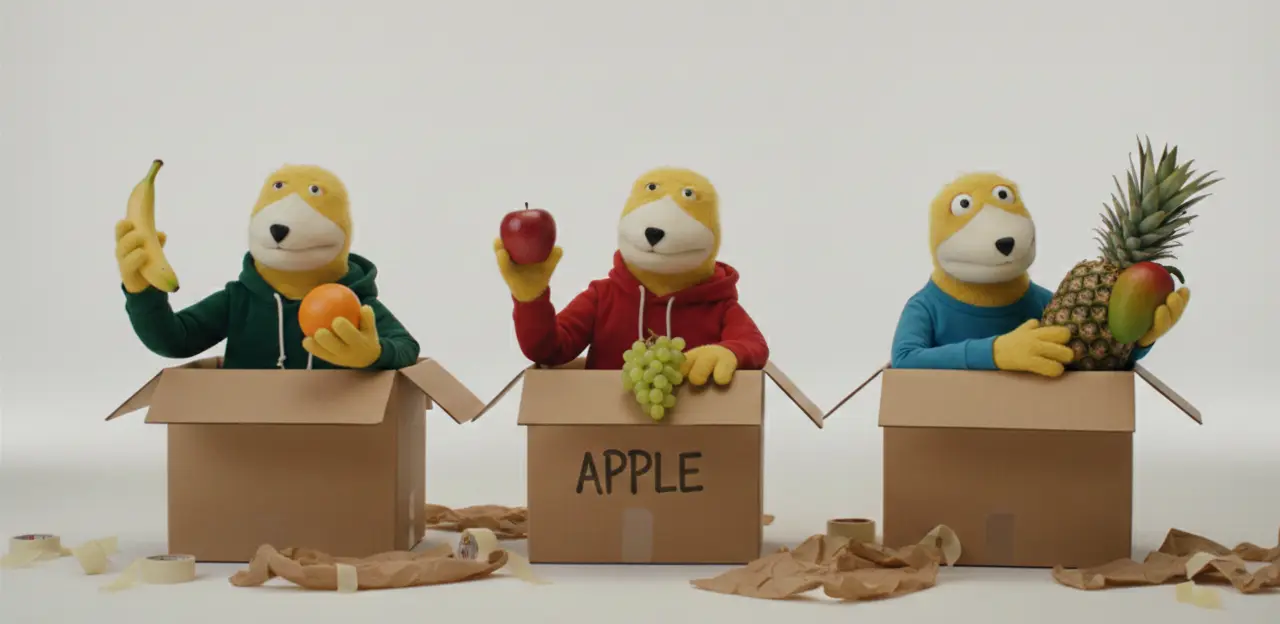
- Print the new variable; eat_fruit.
- Print a new tuple that only contains ('apple',).
- Print an eat_fruit tuple that contains the fruits pineapple, apple, and banana in that order.
- Change the new variable to contain banana and pineapple. Print to confirm.
Key Behaviors to Note:
- Resulting Type: When you slice a tuple, the "sub-section" you create is also a tuple.
- Non-destructive: Because tuples are immutable, the original fruits tuple remains completely untouched. You are effectively making a brand-new, smaller "stone tablet" from the original.
- The Single-Item Tuple: You might notice in the output above that Python adds a trailing comma ('apple',). This is how Python distinguishes a single-item tuple from a string inside parentheses.
Unpacking and Methods
Similarly to lists, we can use variables to "unpack" and print parts of the tuple. For example:
- a, b, c, *other = ('cat', 17, True, 'chicken', [5,6,7])
We could print (a), or (a, b, c), or (a, b, c, *other), or even (other). The *other syntax tells Python to grab everything left over after the first variables are filled and put it into a list.
For tuples, we only have two methods to worry about:
- count(): Returns the number of times a specified value occurs in a tuple.
- index(): Searches the tuple for a specified value and returns the position (index) of where it was found.
We can also determine the length of a tuple using the built-in len() function, just like we do with lists and strings.
Time to experiment!
Coding Exercises (VS Code) Instructions:
- Create a file named more_tuples.py in your part33 folder.
- Complete the tasks and use # comments to explain your answers.
Exercise 1: Basic Slicing
-
Task: Create a tuple
alphabet = ("a", "b", "c", "d", "e"). -
Goal: Use slicing to create a new variable
middlecontaining ("b", "c", "d") and print it.
Exercise 2: Unpacking the Basics
-
Task: Create a tuple
user = ("Admin", 2024, "Active"). -
Goal: Unpack the tuple into three variables:
role,year, andstatus. Print therole.
Exercise 3: The Asterisk (*) Catch-all
-
Task: Create a tuple
data = ("Gold", "Silver", "Bronze", "Iron", "Zinc"). -
Goal: Unpack the first two into
firstandsecond, and use*othersto capture the rest. Printothers.
Exercise 4: Counting Occurrences
-
Task: Create a tuple
votes = ("Yes", "No", "Yes", "Yes", "Maybe"). -
Goal: Use the
.count()method to find out how many times "Yes" appears and print the result.
Exercise 5: Finding the Length
-
Task: Create a tuple
inventory = ("Sword", "Shield", "Potion", "Map", "Key"). -
Goal: Use the
len()function to print how many items are in the inventory.
.gif)
Don't Forget to commit and Push!