
The Ternary Operator
So far we have learned about conditional statements using
if, elif, and else. These are
powerful tools but sometimes the logic is simple enough that writing a
full block feels like overkill. That is where the
ternary
Ternary" is typically pronounced TUR-nuh-ree, with the emphasis
on the first syllable. It sounds similar to "turn-er-ie" or a
simplified "tern-ary" (rhyming with "canary")
operator
comes in.
Also known as a conditional expression, the ternary
operator is a shortcut that lets you write a simple
if/else statement in a single line. It evaluates a
condition and returns one of two values depending on whether that
condition is True or False.
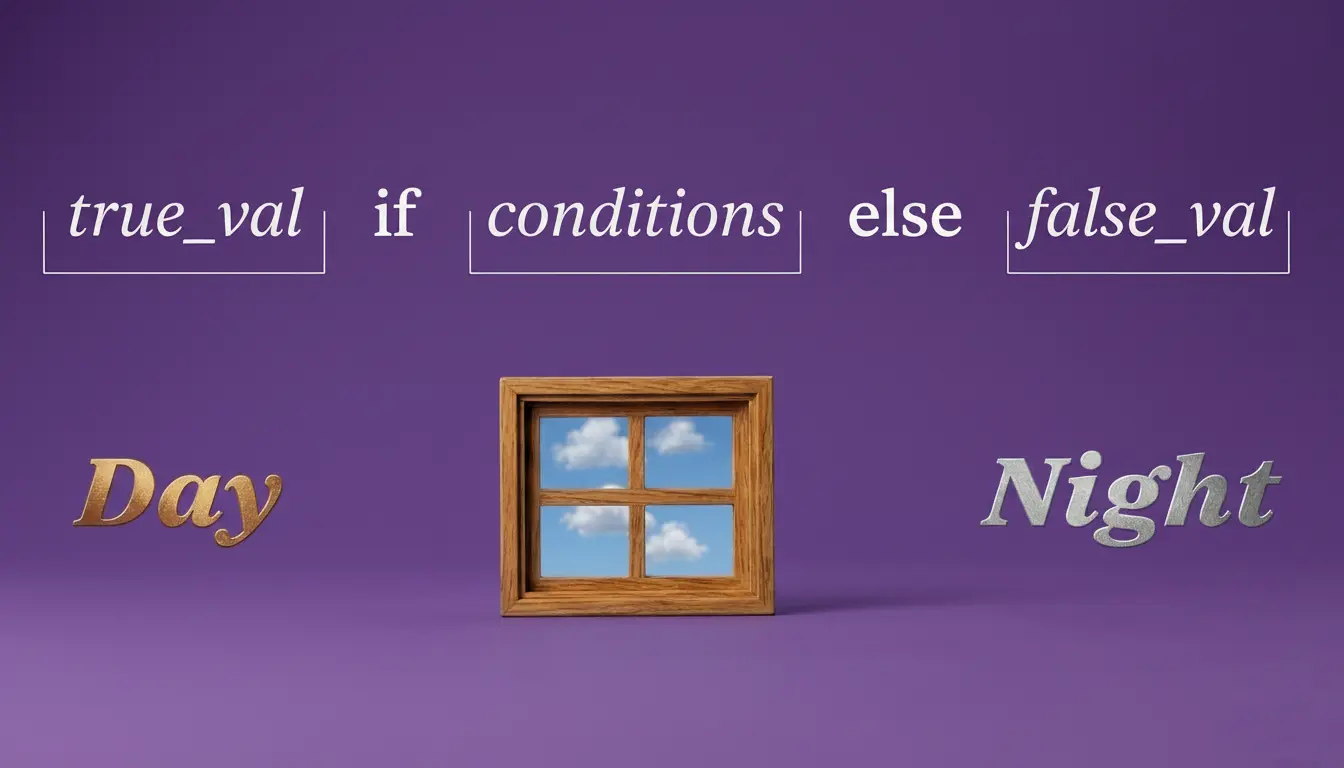
The structure in plain English looks like this:
value_if_true if condition else value_if_false
Read it left to right. Give me value_if_true if the
condition is True, otherwise give me
value_if_false. It is the same logic as a standard
if/else block, just written in one line.
It is worth noting that the ternary operator is best used for simple
conditions. If your logic requires elif or multiple
conditions, a full if/else block is the better choice.
Keeping your code readable is always the priority.
Ternary Operator Examples
For each example below you will see the full
if/else version followed by the ternary operator version.
Both produce exactly the same result.
Example 1: Positive or Negative
Check whether a number is positive or negative and store the result in a variable.
Example 2: Over 18 Check
Check whether a user meets the minimum age requirement.
Example 3: Item vs Items
Return the correct word depending on how many items are in a cart. This is a very common real world use of the ternary operator.
Example 4: Temperature
Check a temperature value and return a label based on the result.
Example 5: Battery Level
Check a battery level and warn the user if it is running low.
Example 6: File Upload
Check whether a file size is within the allowed limit before uploading.
Time to experiment!
Coding Exercises (VS Code) Instructions:
- Create a file named ternary.py in your part40 folder.
- Complete the tasks and use # comments to explain your answers.
Exercise 1: Pass or Fail
-
Task: Create a variable
score = 55. -
Goal: Use a ternary operator to assign
"Pass"to a variable namedresultif the score is 60 or above, and"Fail"if it is not. Print the result. Test by changing the score value.
Exercise 2: Stock Check
-
Task: Create a variable
stock = 0. -
Goal: Use a ternary operator to print
"In stock"if the stock level is greater than 0, and"Out of stock"if it is not. Test by changing the stock value.
Exercise 3: Day or Night
-
Task: Create a variable
hour = 14representing the current hour in 24 hour format. -
Goal: Use a ternary operator to assign
"Day"to a variable namedtime_of_dayif the hour is between 6 and 20, and"Night"if it is not. Print the result. Test by changing the hour value.
.gif)
Don't Forget to commit and Push!